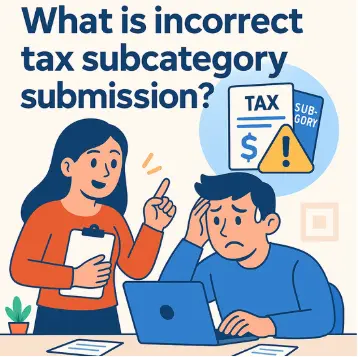
A practical guide for businesses on how to identify and correct wrong tax sub-item payments, helping you stay compliant and avoid penalties. Selecting the wrong tax sub-item is a common mistake during tax filing in Vietnam. This article explains how to verify sub-item codes and handle errors so your company can avoid fines and remain fully compliant.
What Is a Wrong Tax Sub-Item Payment?
In Vietnam’s state budget system, every tax and fee is assigned a specific sub-item code that allows the tax authority to classify, record, and track payments accurately. A wrong tax sub-item payment occurs when a business or individual remits money to the state budget but selects an incorrect sub-item code for the underlying tax obligation. Even though the funds have been transferred, an incorrect sub-item code means the payment will not be properly credited against the taxpayer’s obligation.
This type of error can occur with many tax types, including value-added tax (VAT), corporate income tax (CIT), and business license tax. Understanding sub-item codes and the procedure for verifying and correcting mistakes is therefore essential for any corporate accounting department.
Common Causes of Wrong Tax Sub-Item Payments
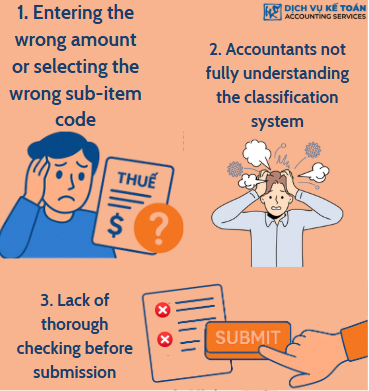
1. Entering the wrong amount or selecting the wrong sub-item code
When making electronic tax payments or filling in payment information, accountants may enter the wrong amount or select the wrong sub-item code. This usually results from insufficient checking or confusion about the structure of sub-item codes.
2. Accounting staff are not fully familiar with the classification system
New or untrained staff who are unfamiliar with the sub-item classification often confuse different tax types or mix tax sub-items with other fees, leading to the wrong code being selected at the time of payment.
3. Lack of thorough review before submission
Many companies do not have strict internal control procedures and fail to double-check tax information before confirming the transaction, which allows errors to go undetected.
Consequences of Wrong Tax Sub-Item Payments
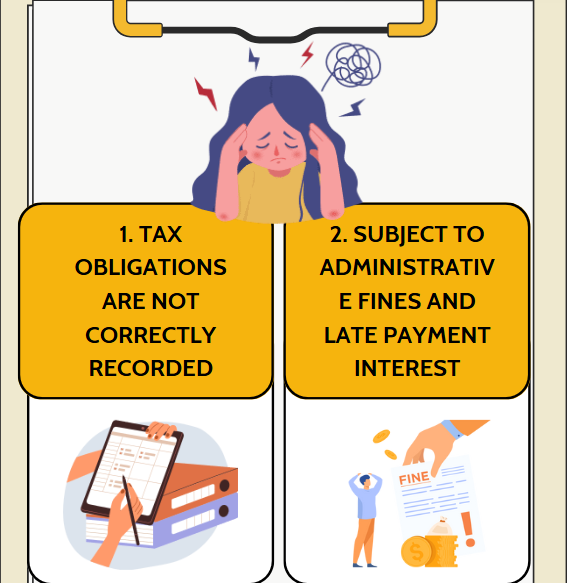
1. Tax obligations are not properly recorded
Even when the money has been transferred to the state budget, an incorrect sub-item means the taxpayer’s obligation is still treated as unfulfilled. This can affect the issuance of tax obligation completion certificates.
2. Exposure to administrative fines and late payment interest
If the tax authority cannot properly record the payment, the system may treat it as an outstanding balance and start accruing late payment interest. If the error is not promptly verified and corrected, the company may face administrative penalties and additional interest charges.
Official Letter Template and Procedure for Adjusting Wrong Tax Sub-Item Payments
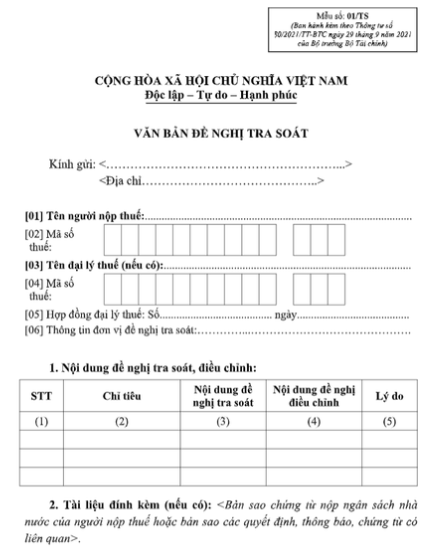
1. Latest verification letter template (Form 01/TS)
The latest verification letter template (Form 01/TS), issued under Circular No. 80/2021/TT-BTC dated September 29, 2021 by the Ministry of Finance, allows businesses to request adjustments to incorrect tax payment information. It includes taxpayer details, the nature of the error, the amount, the date of payment, the treasury account, and the correct sub-item.
2. Submission methods: online, in person, or by mail
Businesses can submit the verification letter directly at their local Tax Department, through the e-tax system (etax), or via certified postal service. Online submission is recommended for its efficiency and the ability to track processing status.
How to Verify and Correct Wrong Tax Sub-Item Payments
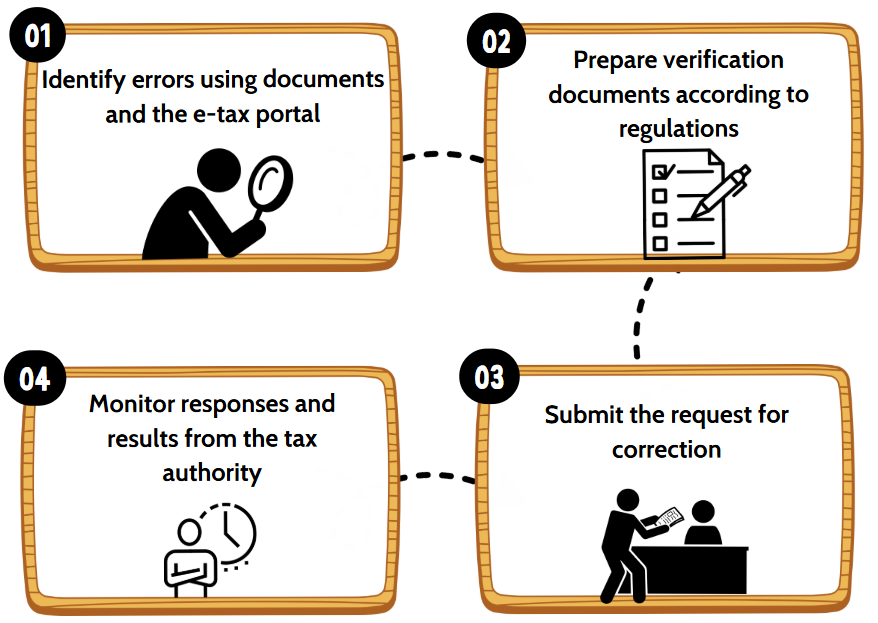
1. Identify errors using source documents and the e-tax portal
Businesses should regularly reconcile bank statements, payment receipts, and the e-tax system to detect any wrong tax sub-item payments. Once an error is found, all relevant details must be captured to prepare the verification request.
2. Prepare verification documents in accordance with regulations
The dossier includes the Form 01/TS verification letter, a copy of the state budget payment receipt, the bank transfer statement (if available), and any additional documents required by the relevant Tax Department. All documents should be certified by the business.
3. Submit the request for correction
Once the dossier is complete, the business submits it to the tax authority. The tax office will review the documents and, if the request is eligible, issue a notification to adjust the payment.
4. Follow up on the tax authority’s response
Processing typically takes 5 to 10 business days. Businesses should monitor email, notifications on the e-tax system, or contact tax officers directly to track progress.
Conclusion
1. Verify payment information carefully before submitting
Details such as the sub-item code, revenue item name, and budget account must be reviewed carefully before payment to avoid unnecessary errors.
2. Maintain proper records and stay updated on regulations
All tax payment documents should be archived in full. Accountants should also keep up to date with the latest forms and procedures issued by the General Department of Taxation.
3. Train accounting staff on tax sub-item classification
Companies should provide regular training and updates for their accounting team to strengthen their ability to identify and select the correct tax sub-item codes, prevent errors, and reduce the time spent on corrections.
For any inquiries, contact Wacontre Accounting Services via Hotline: (028) 3820 1213 or email [email protected] for prompt assistance. With a team of experienced professionals, Wacontre is committed to providing dedicated and efficient service. (For Japanese clients, please contact Hotline: (050) 5534 5505).
Click here to register and access the form.