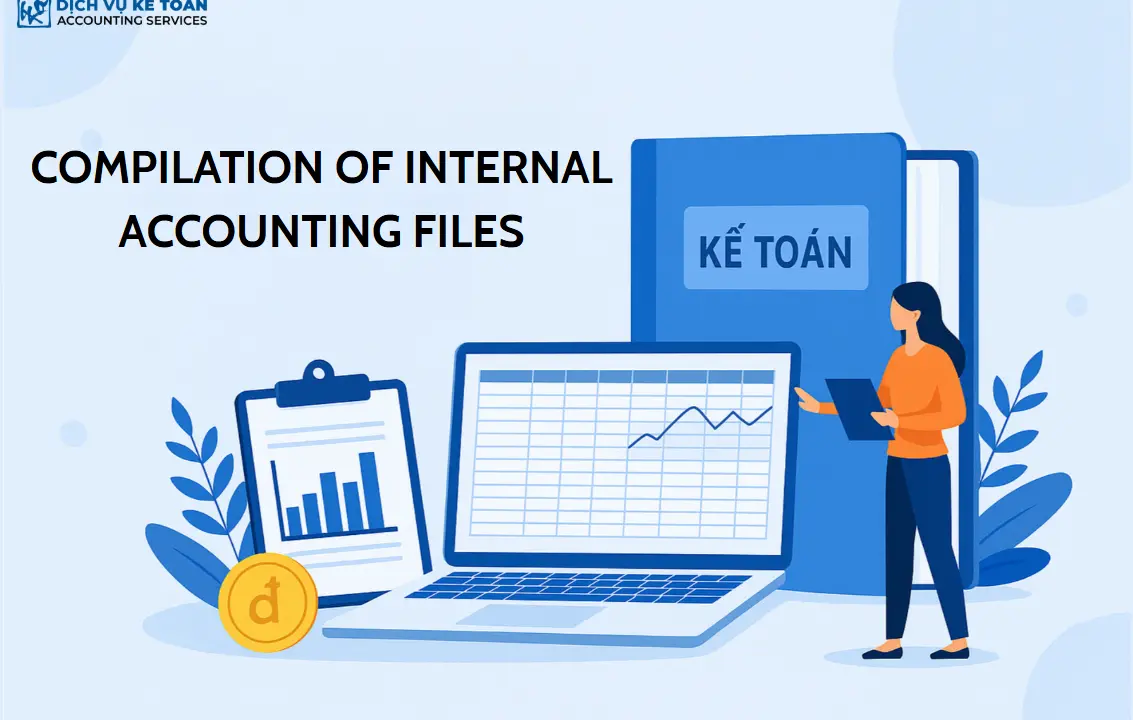
Download our complete collection of internal accounting templates in Excel. This essential toolkit for businesses in Vietnam helps ensure accurate and efficient financial management.
Effective management of internal accounting records is fundamental to financial clarity. This article provides a comprehensive set of internal accounting templates, including ready-to-use Excel files, to streamline your financial operations.
What Is an Internal Accounting Template Collection?
Internal accounting templates are a set of spreadsheets and records that a business uses to capture, monitor, and analyze its internal financial activities. Unlike statutory forms submitted to the tax authorities, internal accounting files are designed for management purposes, with flexible structure and customizable content.
These files are typically built in Excel and tailored to the size, business model, and management needs of each company.
Why Should Businesses Use Internal Accounting Templates?
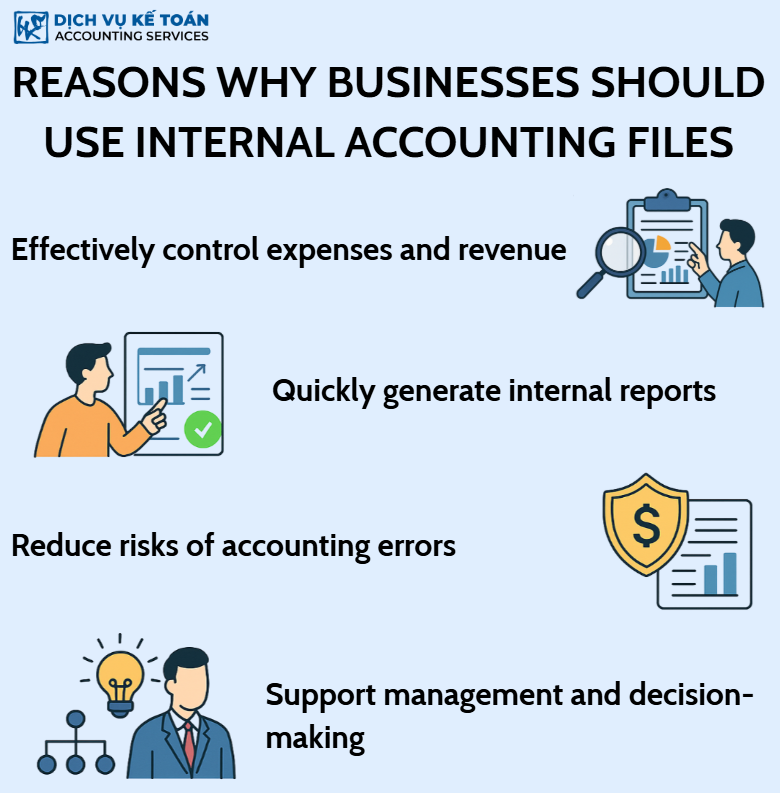
1. Track Revenue and Expenses Effectively
Businesses can monitor income and expenditure in real time, reconcile inflows and outflows, and analyze cost efficiency by department to improve overall financial performance.
2. Generate Internal Reports Quickly
Internal accounting templates make it easy for accountants to summarize key financial indicators such as profit, cost-to-revenue ratios, and cost fluctuations, supporting timely management decisions.
3. Reduce Errors and Omissions
Using standardized templates and clear documentation procedures minimizes discrepancies, missing data, and mistakes during data collection and reconciliation.
4. Support Management and Decision-Making
Data from internal accounting systems is a critical resource for decisions on investment, budgeting, hiring, and business expansion, ensuring choices are backed by accurate information.
Common Excel Templates for Internal Accounting
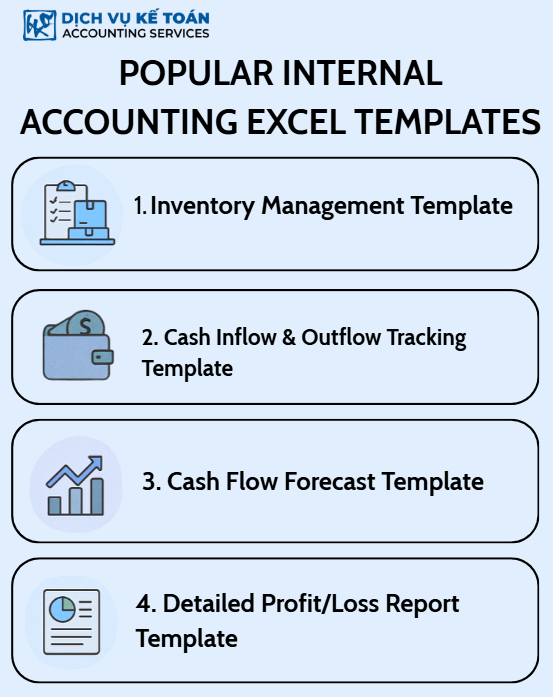
1. Inventory Management Template
Tracks stock in, stock out, and balances by item, lot number, date, and unit cost. Can calculate inventory value using FIFO, weighted average, and other methods.
Download the sample file here
2. Cash Flow Tracking Template
Monitors daily, weekly, and monthly cash inflows and outflows. Links to petty cash and bank accounts, and categorizes transactions by department and expense purpose.
Download the sample file here
3. Cash Flow Forecasting Template
Projects future cash inflows and outflows on a weekly, monthly, or quarterly basis, helping plan payments, balance funding, and avoid cash shortages.
Download the sample file here
4. Profit and Loss Report by Project or Job
Records revenue and expenses by project or job to evaluate individual performance and guide future investment decisions.
Download the sample file here
How to Organize and Manage Internal Accounting Files Effectively
1. Categorize and Store Files Logically
Group files by function (cash, inventory, receivables and payables, revenue and expenses), by period (month, quarter, year), and define clear access rights.
2. Use Clear File Naming Conventions
File names should indicate content, timeframe, and responsible department.
Example: “CashFlow_AccountingDept_Q1_2025.xlsx”
3. Take Advantage of Excel’s Flexibility
Excel is easy to use and supports formulas, charts, filters, and dynamic reports such as Pivot Tables. Files can also be linked for automated consolidation.
4. Store Files on the Cloud or in Accounting Software
Platforms such as Google Drive, OneDrive, and Dropbox allow flexible sharing and access. Regular backups are recommended, and integration with accounting software reduces manual data entry.
Key Notes When Using Internal Accounting Systems
1. Update Records Regularly to Ensure Accuracy
Avoid delayed entries. Timely updates ensure accurate data for quick reporting and reliable comparisons.
2. Verify the Validity of Supporting Documents
Only record entries that are backed by valid documents such as invoices, receipts, contracts, and signed vouchers.
3. Set Permissions and Ensure Data Security
Assign access rights based on roles (view, edit, approve) and use separate passwords for sensitive files.
4. Tailor Templates to Business Size and Type
Small businesses can rely on simple templates, while larger companies should adopt more specialized forms. Avoid overcomplication and roll out improvements progressively based on real needs.
An internal accounting file system is an essential tool for businesses to maintain financial control, operate efficiently, and make informed decisions. Developing and maintaining a well-structured, flexible system tailored to your company is a crucial step toward transparent governance, cost savings, and stronger competitiveness.
For any inquiries, contact Wacontre Accounting Services via Hotline: (028) 3820 1213 or email [email protected] for prompt assistance. With a team of experienced professionals, Wacontre is committed to providing dedicated and efficient service. (For Japanese clients, please contact Hotline: (050) 5534 5505).